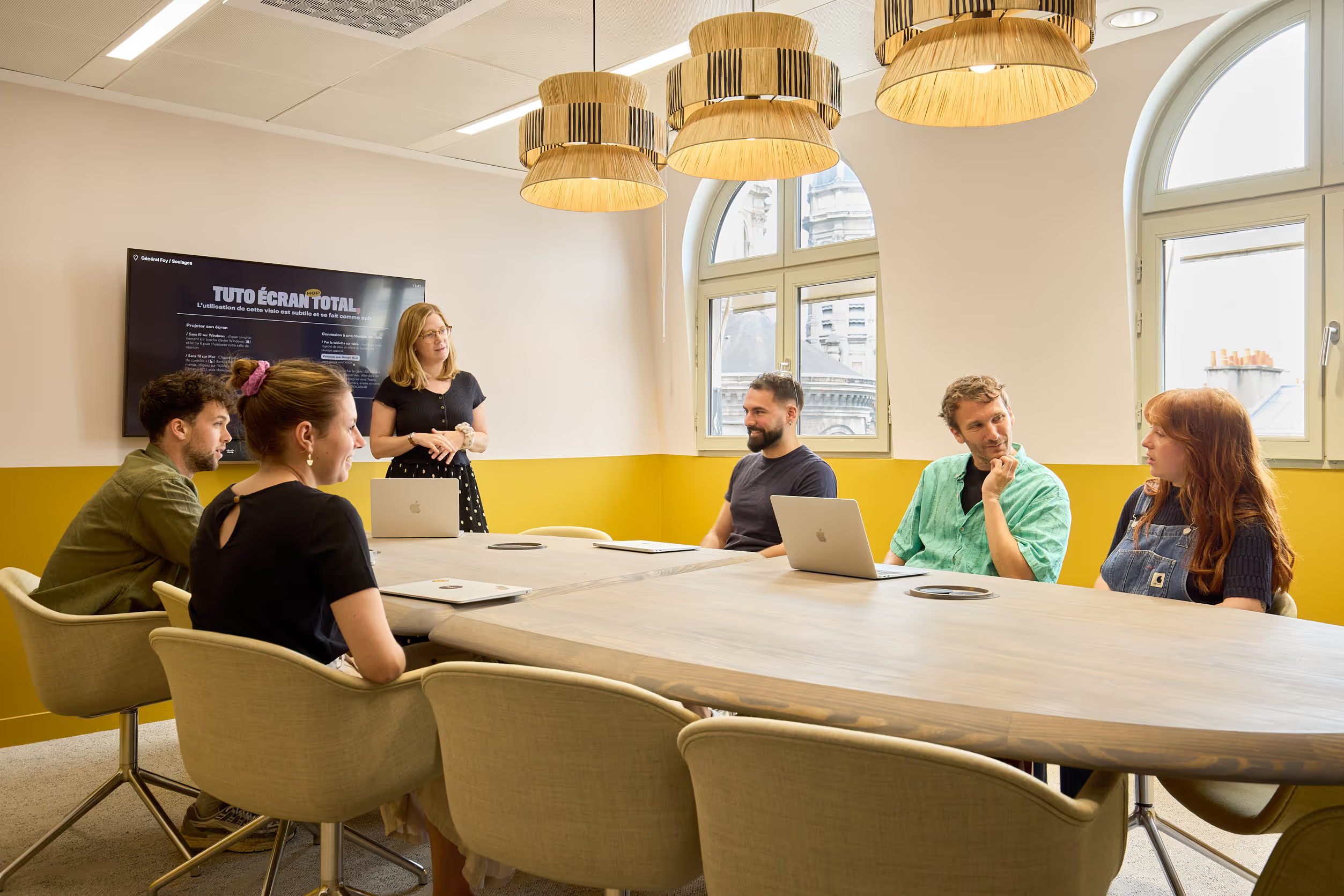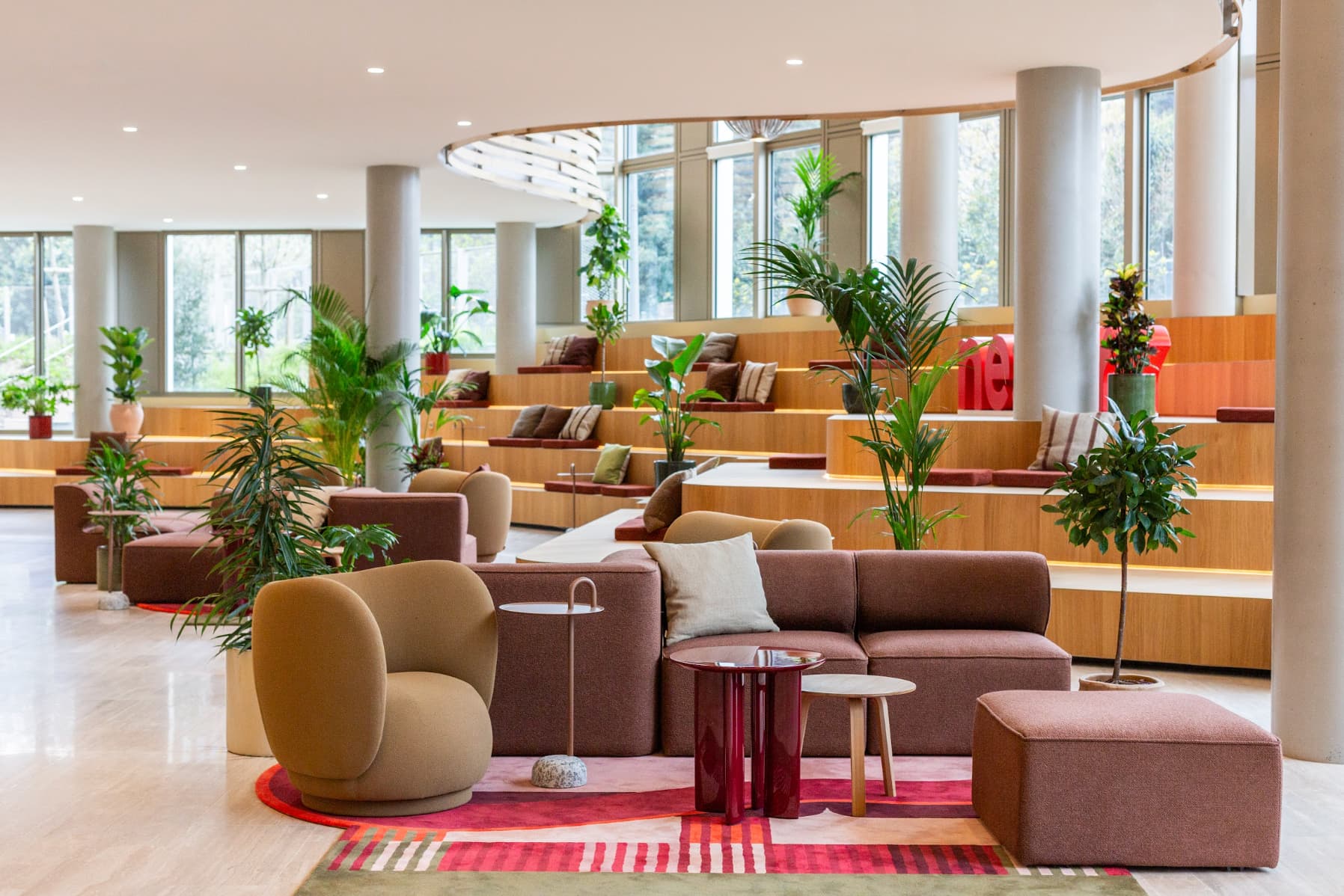


Have you just moved your team into new premises? Are you looking to fit out a new open-plan room? The question of which desks to choose soon arises, and in its wake come plenty of others: How many workstations should I install? What size and height of desktop should I go for? Which materials should I favour? Here we share 4 key steps to bear in mind when choosing your desk.
By way of introduction (budget always playing a significant part in this kind of decision), bear in mind that a budget of 350 euros per workstation seems to be a minimum when ordering your desk.
Step 1: work out how many workstations you need,
In light of your floor space, best practice and how you work
When ordering your desks, it is first sensible to work out how many you need. You will of course have a number of people to seat in mind, but that figure does not necessarily match the number of workstations you will require. To get it right, ask yourself the right questions: how widespread are hot-desking and remote work across your workforce? What proportion of your staff are mobile? Office-based? Hybrid?
If you need a hand, do feel free to use the workstation calculator provided by the Morning team. It's free.
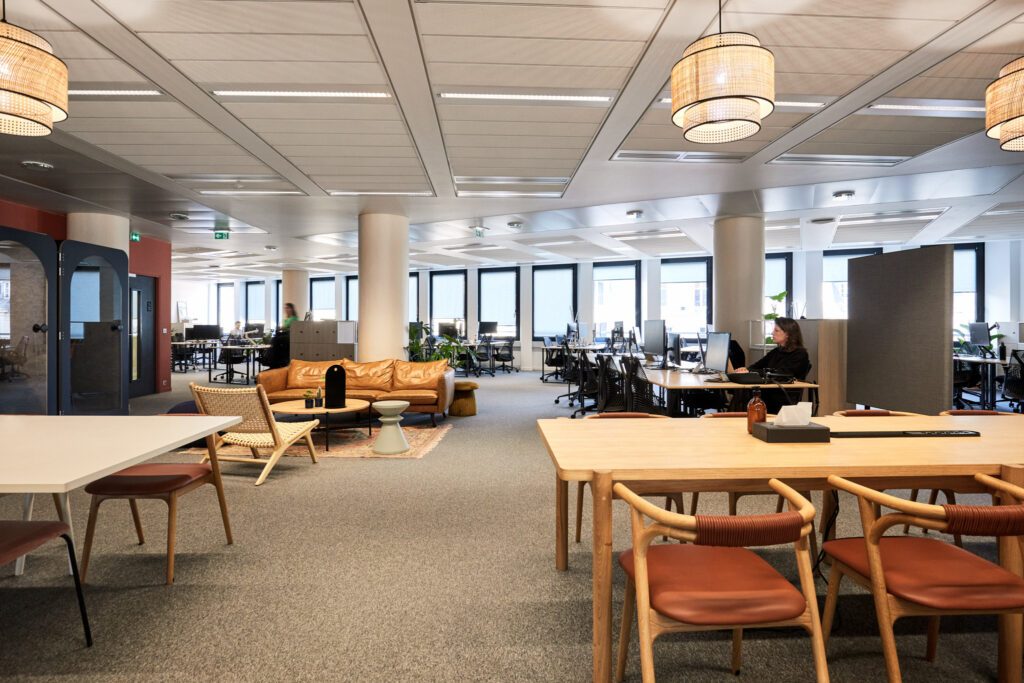
Once you have settled on this figure, you will need to consider the density of workstations relative to your available floor space. Keep in mind the average ratio of 4m2 per person. Depending on your budget, you will always be tempted to pack in more workstations. Do watch out for your employees' comfort: cutting corners on this kind of investment really isn't a shrewd calculation in the long run.
This average of 4m2 takes into account the breathing spaces and small gathering areas that must not be forgotten. (Read also: 5 tips for creating a welcoming workspace). The ratio will vary slightly depending on the size of the desktops, which can be adjusted according to each employee's role.
Step 2: choose the size of the desktops,
According to the roles within your workforce
Who will be using the workstations you are about to order? For what purposes? Among these employees, which ones will need to talk to each other regularly? Which ones will need to be kept apart? Desks come in every size, but not all of them suit every role.
Generally speaking, favour "2-width / 1-length" formats so you can put configurations together easily. As for depth, don't go below 60 cm. Everyone needs to be able to rest their elbows properly, as set out in articles R. 4542-1 to R. 4542-19 of the French Labour Code, which specify the standard: "Position the keyboard facing the user so that roughly 2/3 of the forearms rest on the desk."
A few formats are worth keeping in mind. The standard is 120cm x 60cm, and with it you can't go wrong. The 100cm x 60cm is fairly common, but it isn't a format we recommend. To set up developers (with their dual screen + computer + charger), go instead for a 140cm x 70cm desktop. You can also choose to lay out a few square 60cm x 60cm desktops for employees "passing through" with just a laptop, not even a charger.
Step 3: determine the height of the desktops,
In light of the available space and the make-up of your workforce
Are there tall or short people within your team? Are there people who suffer from back pain (or have other specific postural needs)? Have you surveyed the needs across your workforce? Do some want to change posture regularly (standing / sitting) over the course of the day?
These answers will allow you to fine-tune the height of your workstation desktops where necessary and to choose to invest in some standing desks. That said, do note that the standard height for a desk is 74 cm. Someone between 1.50m and 1.95m tall will be comfortably set up at it. This height can even go up to 76 cm.
To vary postures and give your workforce the chance to work standing up, you could have a few standing-desk modules installed. These desktops should be fixed at a height of 110 cm, with a high stool.
Many manufacturers offer height-adjustable desktops, controlled by remote thanks to built-in motors. While these adjustments prove handy, do be mindful of their environmental impact. Fitting a motor inevitably consumes energy and non-recyclable materials.
Step 4: pay attention to the materials,
In light of your environmental-impact goals
Looking closely at what the materials are made of is a key step when choosing your desks. It is not so much a matter of aesthetics, but rather of environmental criteria and durability.
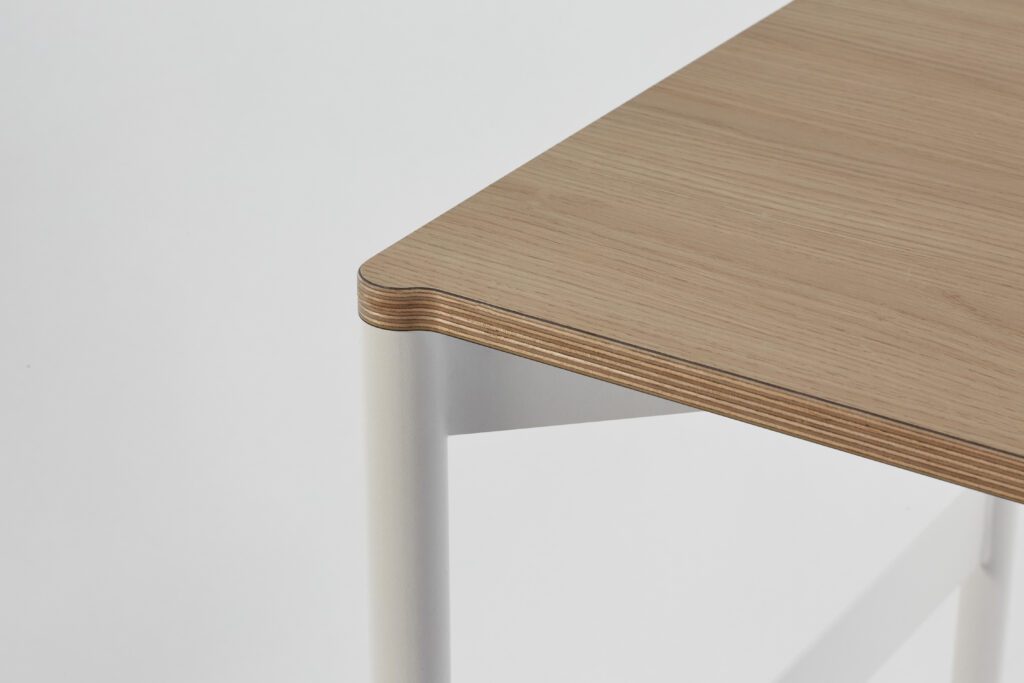
If you want to minimise your environmental impact and make the most of your purchase for as long as possible, we recommend favouring materials that are lightweight, hard-wearing and dismountable. Solid-wood desktops sourced from sustainable forestry will undoubtedly be a good option. Granted, these materials cost more, but bear in mind that your desks will be built to last and can be arranged in all sorts of places!
***
☞ If you would like support on the subject, head to the "fit-out" page on the Morning website.
☞ If you would like to dig deeper into the subject, here are some more articles:
* "Discover the secrets of our eco-designed desk"
*"Eco-design in 10 questions"
*"The guide to a responsible office move"
Our team is available to assist you.

Download our new study
Nouveaux bureaux : ce qu'attendent les salariés
.png)


.jpg)