


The perfect remote worker’s toolkit
Has remote work become your new normal? You are not alone. In France, 47% of companies make use of remote working. 33% of French employees work from home at least once a week, according to Statista.
Within the Morning team, remote work is second nature. Whether from home or from another Morning space, we often find ourselves on the move. But since President Macron’s address and the declared lockdown, we all have to get to grips with it.
If this is the first time you are working away from your premises, you are no doubt wondering how to work effectively as a team, just as you would at the office. So we have put together a list of tools to help you work as well as possible from home. Some tools may be obvious to many companies, but we have included them anyway, just in case.
The bedrock of your productivity: computers and essential peripherals
Let us start with the foundations: a good computer. But which type of computer should you choose?
- High-performance laptops and desktops:
Flexibility is king when working remotely. That is why a powerful laptop is often the preferred choice. Look for models with:
☞ A recent processor (Intel Core i5/i7 or the AMD equivalent)
☞ At least 16 GB of RAM for multitasking
☞ An SSD for fast start-ups and better responsiveness
☞ A battery life of at least 8 hours
We would obviously advise investing in a computer with a built-in HD webcam and a good microphone. With the proliferation of video calls, it has become essential.
- Ergonomic keyboards and mice:
Your wrists will thank you! An ergonomic keyboard such as the Microsoft Sculpt Ergonomic or a quality mechanical model can reduce fatigue and improve your typing comfort. As for the mouse, opt for vertical models or trackballs if you suffer from wrist pain.
- Additional screens:
Did you know that using a second screen can boost your productivity? A 27-inch screen with QHD resolution (2560x1440) offers a good compromise between workspace and image quality.
Your working sanctuary: furniture and ergonomics
Ergonomics is not a luxury, it is a necessity. Here is how to create a workspace that takes care of your body:
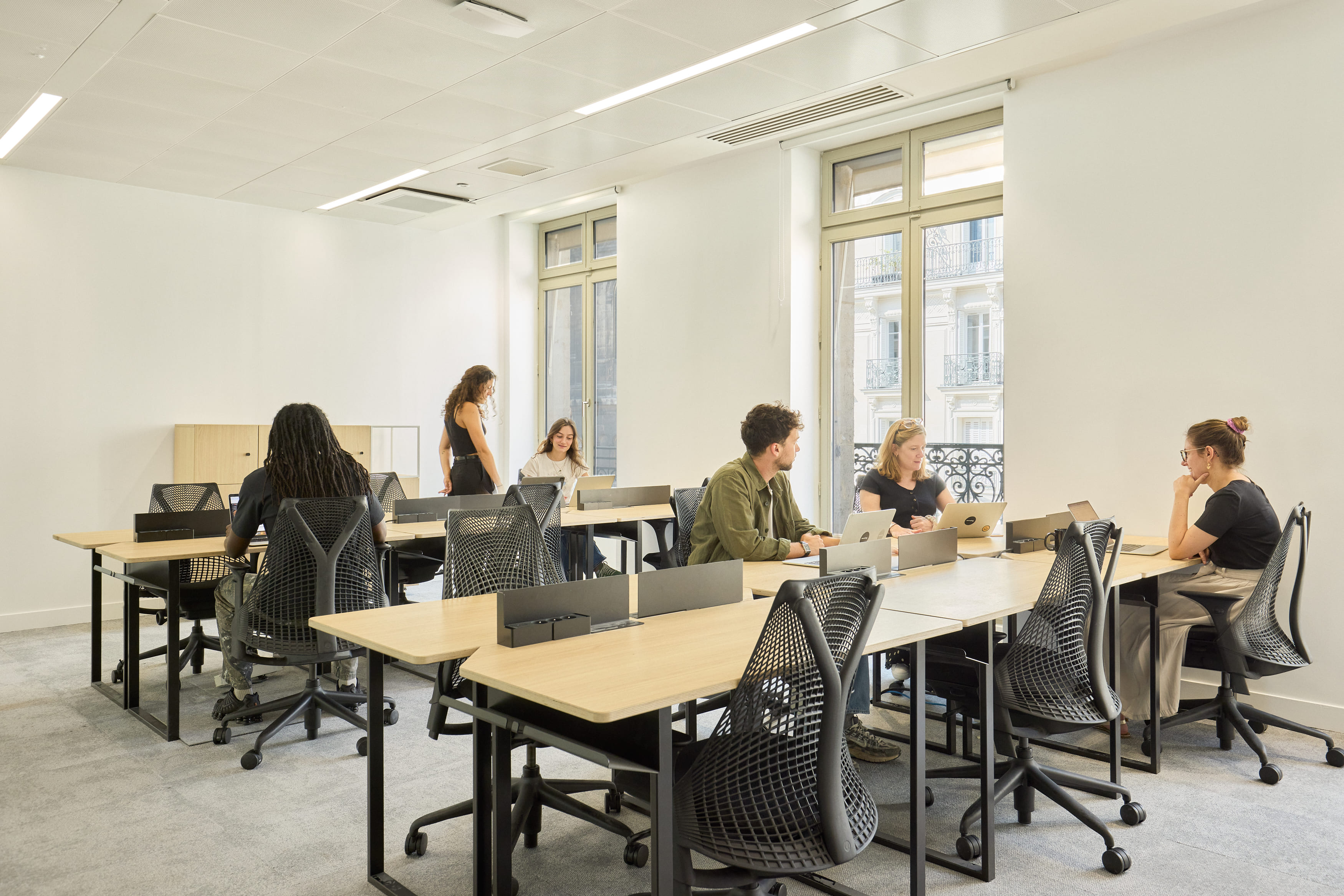
- Ergonomic office chairs
No more back pain! A good office chair should offer:
☞ Adjustable lumbar support
☞ Adjustable armrests
☞ A comfortable seat for long sessions
The Herman Miller Aeron is often cited as the benchmark, but there are plenty of more affordable alternatives offering excellent comfort.
- Adjustable desks
The sit-stand desk is the new star of remote working. Alternating between sitting and standing throughout the day can reduce fatigue and improve your blood circulation. Brands such as Fully or Jarvis offer quiet, stable electric models.
- Laptop stands
A laptop stand lets you align the screen with your eyes, thereby reducing neck strain. The Nexstand K2 is a compact, portable model, ideal if you work from different places.
Your digital shield: connection and security
Security and a stable connection are the pillars of stress-free remote working.
- Wi-Fi access : A powerful, reliable Wi-Fi router is crucial. Powerful models are perfect for covering large areas without dead zones.
- VPN and security solutions : A VPN (Virtual Private Network) is essential for securing your connections, especially if you work from public networks. NordVPN or ExpressVPN are popular choices for their ease of use and reliability.
- Secure storage : The cloud is king when working remotely. Solutions such as Dropbox Business or Google Drive Enterprise offer secure storage and advanced collaboration features.
To communicate well when working remotely
To stay in touch with your team and colleagues while working remotely, there are many solutions, more or less informal, but all equally effective.
Instant messaging
First, Slack, the instant messaging tool we use at Morning. It lets you chat one-to-one with your colleagues, create conversation “channels”, send each other documents, and above all integrate other services you use day to day, such as Dropbox or Asana. The service is free for up to 10,000 messages and up to 10 integrated tools.
If you are on Microsoft, you might prefer Microsoft Teams, the equivalent of Slack, Windows style. The software offers pretty much the same features as Slack. There is also a free version for up to 300 employees which, since 10 March, allows more users to be added and includes additional features. And for 6 months, access to the first paid plan is free.
Finally, let us not overlook WhatsApp, which offers a more informal way to create group chats. The ideal tool for catching up with your colleagues, saying hello, sending each other holiday snaps from your flat, and so on.
Emails and mail management
Emails remain the backbone of professional communication, even in the age of remote working. But beware, do not let yourself be swamped by all your messages! Among the top-performing email clients is Gmail, Google’s must-have, with its intuitive interface and advanced features.
Outlook remains the preferred choice of companies using the Microsoft 365 suite, while Thunderbird offers an open-source alternative for fans of customisation.
For email management, tools such as SaneBox, an AI assistant, will sort your emails and help you reach the mythical "Inbox Zero".
Do not forget to create an attractive and informative email signature. Tools such as WiseStamp or MySignature can help you create a signature that makes a good impression, even from a distance.
Enterprise platforms
Enterprise platforms have become essential for teams working remotely. They bring together communication, project management and document sharing. Microsoft 365 (formerly Office 365) offers a complete suite with SharePoint for document management, OneDrive for cloud storage, and Teams for communication.
For its part, Google Workspace (formerly G Suite) offers a complete ecosystem with Google Drive for storing and sharing files, Google Docs, Sheets and Slides for real-time collaboration, and Google Meet for video calls.
Notion is gaining popularity as an all-in-one platform, offering project management, a company wiki and customisable databases.
For video calls : Key pillars of remote collaboration
Because talking to each other is good, but sometimes, seeing each other is better. Without forgetting to ask yourself first whether this meeting could not simply have been an email. In any case, here too, there is plenty of choice.
Video-conferencing software
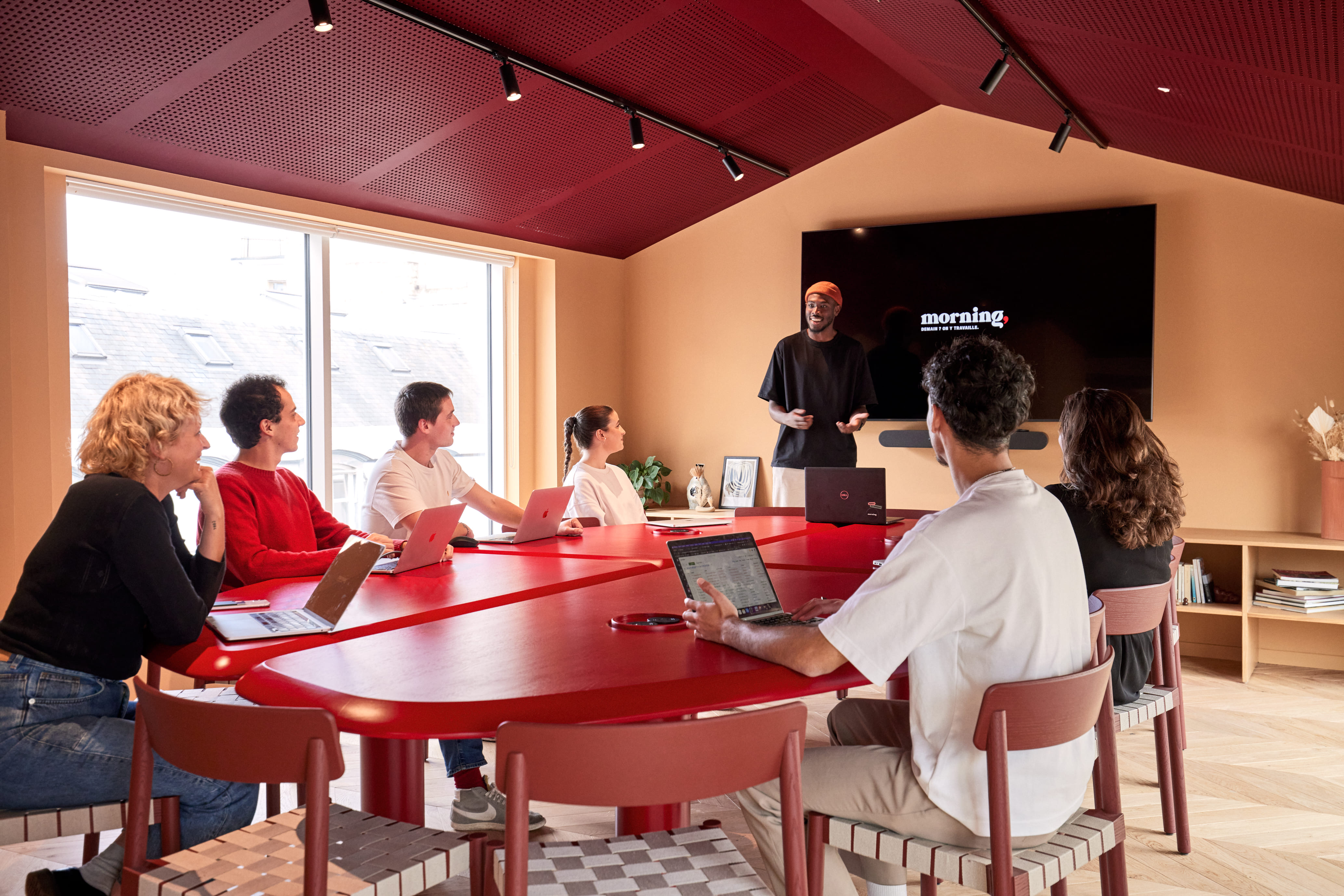
At Morning we use Meet, the video-conferencing tool created by Google. Many companies, meanwhile, use Skype (Microsoft) or FaceTime (Apple). If you are not set up with any of these tools, here is a quick selection of tools that are free or discounted during this coronavirus period.
First, the new champion of web conferencing: Zoom, which has lifted its 40-minute conference limit on its free version, because of the epidemic. For its part, Whereby, a simple tool that is free for up to four screens, also allows screen sharing to present your documents and presentations.
The web-conferencing solution Webex, developed by Cisco, is for its part free for 4 months at the moment. Join.me has its advantages too. It requires no installation or plugin; a unique link to share is generated from the website. The tool has a free "basic" version.
LifeSize offers users 6 months’ access with unlimited sessions. Finally, the chef’s tip: if there are too many of you, do not overlook the possibility of a YouTube live. For an address or getting a single piece of information across, it is very useful. The downside: only one person speaks, but everyone can ask their questions. And it is free.
For good team collaboration when working remotely
Now that the meeting has gone off in the best possible way, it is time to take action together. To get organised properly, here again there are several solutions.
Project management tools
First, Asana, our little favourite within the Morning team. It is a project management tool that simply lets you create projects and then, within them, tasks. To assign these to owners and finally give them a deadline. Everything is clear, simple and transparent. A terribly effective tool. The case study of how we use it is here.
Another project management tool, Trello, lets you organise your projects as a board and see their progress in real time. What is more, the Frontier members have developed a Trello “power-up” that lets you “turn your Trello notifications into cards by bringing them together on your own personal productivity board”. Codename: Straw.
To bring together your team documentation, several options are also open to you. Google Drive first, which lets you store your various documents, Sheets and presentations.
And otherwise you can discover the members of Slite, which we also use at Morning. Slite brings together all your team documentation (meeting notes, documents, projects) on the same architecture and with the same simplicity as Slack. The members of Wisembly develop collaborative solutions so that everyone is empowered to add their contribution in an engaging way. On the menu: Q&As, votes, quizzes, surveys. Just the thing to liven up your remote get-togethers. They also offer 3 months with the purchase of a licence.
Klaxoon offers a 3-month free trial of its platform of collaborative tools. They let you hold meetings, run workshops and manage projects remotely, from your computer, tablet or smartphone.
Finally, Collect lets you automate the gathering of documents. In Collect, you simply specify which documents you need and by when, and schedule automatic reminders. The solution then takes care of sending an email to the recipients and chasing them up if necessary. A workflow then handles the validation of the documents received.
Collaborative workspaces
To collaborate effectively with your colleagues remotely, it is essential to use tools that allow virtual workspaces to be shared. These tools make teamwork easier, even when you are not physically in the same place.
- Shared documents and spreadsheets
Remote collaboration also means being able to work together on the same documents. And in this area, several options are open to you.
Google Drive stands out as a benchmark. It lets you store your various documents, spreadsheets (Sheets) and presentations. The strength of Google Drive? Real-time collaboration. Several people can work on the same document at once, which is a real plus for productivity.
But Google is not the only player in this field. Microsoft 365 also offers a complete suite of online collaborative tools, with Word, Excel and PowerPoint accessible from the cloud. The advantage? Seamless integration if you already use Microsoft tools day to day.
And if you are looking for something more specialised, discover Slite, which we also use at Morning. Slite is the ideal tool for creating a shared knowledge base that is easily accessible to the whole team.
- Online brainstorming tools
Remote working should not be a barrier to collective creativity. Fortunately, there are fantastic tools to stimulate innovation, even from a distance.
Let us start with Mural, a visual collaboration platform that is gaining popularity. Mural offers a digital workspace where teams can come together to explore and solve problems creatively. With its ready-made templates for different types of brainstorming and its intuitive features, Mural makes remote collective thinking sessions far easier.
Another interesting tool is Stormboard. This platform combines the advantages of a virtual whiteboard with those of a project management tool. You can create visual “brainstorms”, organise your thoughts with virtual sticky notes, then easily turn these ideas into concrete tasks. It is the ideal tool for moving smoothly from the design phase to the execution phase.
For those looking for a more immersive experience, Conceptboard deserves your attention. This platform offers an infinite visual workspace where you can import practically any type of content – images, PDF documents, videos – and collaborate on it in real time. Its built-in video-conferencing function lets you discuss ideas while working on the board, creating a truly interactive brainstorming experience.
Now you should be well equipped for your remote-working days!
****
TO GO FURTHER:
☞ The future of the company and its working methods
Our team is available to assist you.

Download our new study
Nouveaux bureaux : ce qu'attendent les salariés
.png)


.jpg)